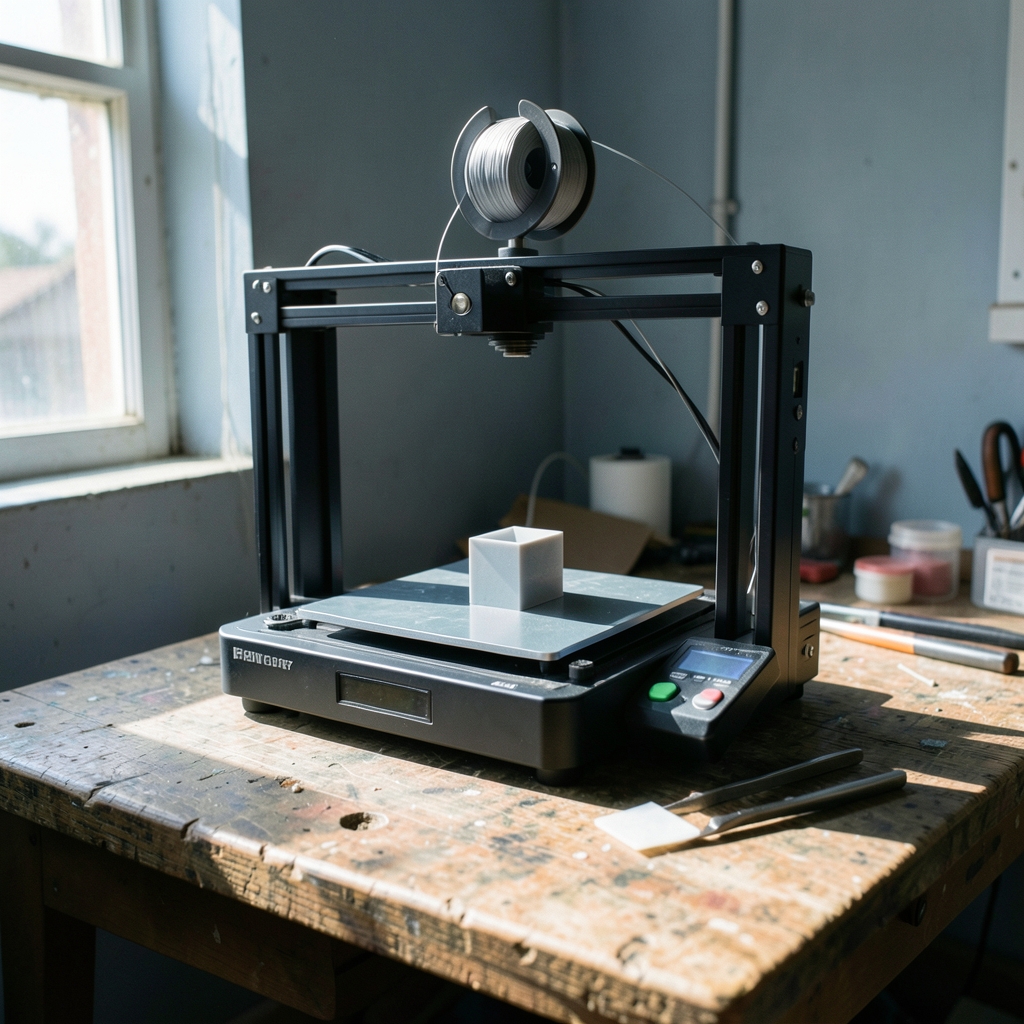
What if the biggest obstacle between you and your first 3D print isn’t skill, but the machine sitting on your desk? That’s the trap many newcomers fall into. They buy the cheapest printer they can find, spend three weekends fighting bed adhesion and tangled filament, and quietly give up. Or they swing the other way, spend a fortune on a machine with features they’ll never use, and feel guilty every time it gathers dust.
Here’s the good news: the entry-level market has matured enormously. Auto bed leveling, quiet stepper drivers, and phone-app slicing have moved from luxury extras to baseline expectations. The bad news is that “best” depends almost entirely on what you want to print, where you’ll put the machine, and how much patience you have for tinkering. This guide walks through the real decision points, the trade-offs nobody mentions in spec sheets, and the practical habits that separate beginners who stick with the hobby from those who sell their printer on a marketplace six weeks later.
Start With the Material, Not the Machine
Before comparing models, decide what you actually want to make. That single question splits the market in two.
FDM printers melt plastic filament and lay it down in layers. They dominate the beginner market because filament is cheap, prints are reasonably strong, and the machines are simple to maintain. If you want phone stands, plant pots, replacement knobs, cosplay props, or workshop jigs, FDM is almost certainly the right answer.
Resin printers cure liquid photopolymer with light and produce far finer detail. Miniatures, jewelry masters, and dental models look stunning on resin. But uncured resin is a skin sensitizer that demands gloves, ventilation, and a wash-and-cure workflow. It is not a casual kitchen-table activity.
| Factor | FDM | Resin |
|---|---|---|
| Typical beginner cost | Lower | Higher once wash-and-cure gear is added |
| Detail level | Good, visible layer lines | Excellent, near-smooth surfaces |
| Mess and safety | Low; some fumes and particles | High; gloves, alcohol, curing required |
| Best for | Functional parts, large objects | Miniatures, fine models, small parts |
| Learning curve | Moderate | Steeper due to post-processing |
Most first-time buyers should start with FDM. Resin rewards people who already know they need precision and are willing to build a small finishing station.
The Features That Actually Matter

Spec sheets love numbers. Most of them don’t change your daily experience. These do.
Auto bed leveling. Manual bed tramming is the single most common early failure point. Modern beginner machines probe the bed and compensate automatically. If a printer lacks this, budget time for learning the paper-and-feeler-gauge ritual.
Heated bed. A heated bed is needed for PLA to stick reliably and required for PETG and ABS. A printer without one is a false economy.
Build volume. Bigger sounds better until you realize a large bed takes longer to heat and is harder to keep flat. A roughly 220 × 220 × 250 mm volume covers the vast majority of beginner projects.
Direct drive versus Bowden extrusion. Direct drive puts the extruder motor on the print head, which handles flexible filament better and shortens retraction distances. Bowden setups are lighter and faster. For beginners, either works; direct drive is more forgiving with tricky materials.
Enclosure. Helpful for ABS and ASA, useful for keeping dust off, and genuinely important if the printer lives in a cold room. Many beginners skip it and later wish they hadn’t.
Community and documentation. A printer with an active forum, published firmware, and clear assembly guides is worth more than one with a slightly better spec sheet and a silent support inbox.
A Realistic Shortlist by Budget
Prices shift constantly, and specific models come and go. What stays stable is the shape of the market: budget kits, mid-range workhorses, and premium “just works” machines.
The Budget Tier
The Creality Ender 3 family, launched in 2018, became the default entry point for a generation of makers, and its descendants remain common first printers. The appeal is price and a massive community: nearly every problem you’ll hit has already been solved in a forum thread. The trade-off is that budget kits ask you to assemble, troubleshoot, and sometimes upgrade. If you enjoy that, it’s a superb education. If you don’t, it’s a frustration engine.
The Mid-Range Workhorse Tier
Prusa’s MK3S+ arrived in 2020 and the MK4 followed in 2023, both widely cited as reliable beginner-friendly machines thanks to automatic calibration, strong documentation, and a large user base. These printers cost more, but they tend to spend their time printing rather than being repaired. For someone whose time is worth more than the price difference, this tier is often the smartest buy.
The “Just Works” Tier
Bambu Lab’s A1 series, arriving in 2023 and 2024, pushed automatic calibration and multi-color printing into beginner territory. The pitch is simple: unbox, calibrate, print. Multi-color options add fun but also add complexity and waste. Buy the multi-color feature only if you have specific projects in mind.
The Resin Option
If miniatures are your goal, entry-level resin printers paired with a wash-and-cure station deliver detail that FDM simply cannot match at the same price. Just budget for gloves, isopropyl alcohol, and a ventilated workspace from day one.
What Beginners Get Wrong
Some mistakes show up again and again, and nearly all of them are avoidable.
Chasing the lowest price. A printer that costs less but requires hours of debugging is not cheaper. Factor in your time and the cost of replacement parts.
Skipping the slicer learning curve. Cura, PrusaSlicer, and OrcaSlicer are free, and they matter as much as the hardware. Layer height, infill, supports, and temperature settings decide whether a print succeeds. Spending an evening learning one slicer properly pays off for years.
Ignoring ventilation. FDM printing releases ultrafine particles and volatile organic compounds, with ABS emitting more than PLA. Put the printer in a well-ventilated room, and don’t run long prints in a closed bedroom.
Buying filament by color instead of by material. PLA is the beginner default: forgiving, low-odor, and easy to print. PETG is tougher but stringier. ABS warps without an enclosure. Start with PLA, master it, then branch out.
Expecting perfection on print one. First prints fail. That’s normal. The people who succeed treat each failure as information rather than a verdict on their ability.
Neglecting the first layer. Almost every adhesion problem traces back to a first layer that’s too high, too low, or printed on a dirty bed. Wiping the build plate with isopropyl alcohol before every print is the cheapest fix in the hobby.
Practical Habits That Separate Success From Frustration
A few small routines make an outsized difference.
- Calibrate once, then verify. Run the printer’s calibration routine, then print a small test model to confirm extrusion and first-layer height before committing to a long job.
- Keep a log. Note filament brand, temperature, and settings for each successful print. When something works, you’ll want to repeat it exactly.
- Store filament properly. PLA absorbs moisture and prints poorly when it does. A sealed box with desiccant is enough for most beginners.
- Slice preview every print. Scrolling through layer-by-layer preview catches missing supports and floating geometry before you waste an hour of printing.
- Print one upgrade at a time. Community mods are tempting, but changing three variables at once makes debugging impossible.
If you’re also drawn to paper puzzles, the same patience-first mindset applies to logic grids and wordplay; our guides on sudoku for beginners and cryptic puzzles for beginners with answers and explanations follow a similar step-by-step philosophy. And if you want a broader starting point for any new hobby, this beginners guide collection is worth a browse.
FDM or Resin: A Quick Decision Framework
Ask yourself three questions. Do you need fine surface detail on small objects? Are you willing to handle chemicals and post-processing? Is your workspace ventilated and away from children and pets?
Two or more “yes” answers point toward resin. Otherwise, buy FDM. There’s no shame in starting with FDM and adding a resin printer later once you know your interests. Many makers end up with both, using FDM for functional parts and resin for display pieces.
How Much Should a Beginner Actually Spend?
There’s no universal number, but a useful rule: budget for the printer plus roughly 20 to 30 percent extra for filament, tools, and consumables. A filament dry box, a set of nozzle cleaning needles, isopropyl alcohol, and a spare nozzle cost little but prevent a lot of grief.
Spending more upfront on automatic calibration and a rigid frame usually pays back in saved frustration. Spending more on exotic features, like multi-color systems or very large build volumes, often doesn’t pay back at all for a first printer.
The Software Side Costs Nothing
One underrated advantage of modern 3D printing is that the software stack is free. Marlin firmware is open source, and the major slicers cost nothing to download. That means your entire budget can go toward hardware and materials. Beginners sometimes assume they need paid software; they don’t.
The real investment is learning. A few hours with tutorials on layer heights, support placement, and temperature tuning will improve your results more than any hardware upgrade. If you’re the type who likes structured learning, the same approach that makes sudoku rules and beginner puzzles approachable works here: start simple, repeat the basics, and add complexity only when the fundamentals feel automatic.
Safety and Where to Put the Machine
Placement matters more than most buyers expect. A printer in a cold garage will struggle with warping. A printer in a bedroom will fill the room with particles and noise during overnight jobs. A stable, ventilated room with a sturdy table is ideal.
For resin, ventilation is non-negotiable, and gloves should be worn whenever handling uncured material. Wash-and-cure stations are effectively required rather than optional.
Conclusion
The best 3D printer for a beginner isn’t the cheapest one or the one with the longest feature list. It’s the machine that matches your projects, fits your workspace, and comes with the support structure, documentation, and community that let you solve problems independently. Decide between FDM and resin first, prioritize auto bed leveling and a heated bed, budget for consumables, and accept that the first few prints are part of the learning process. Do that, and the printer becomes a tool rather than a project. The hobby rewards patience far more than it rewards spending.
Frequently Asked Questions
Is a cheap 3D printer a good way to start?
It can be, provided you’re comfortable assembling and troubleshooting. Budget kits teach you how the machine works, which is genuinely valuable. But if you’d rather spend your time designing than repairing, a mid-range printer with automatic calibration is usually the better investment.
Do I need an enclosure for my first printer?
Not for PLA, which prints well in open air. You’ll want one for ABS and ASA, which warp without stable temperatures, and it helps in cold or drafty rooms. Many beginners add an enclosure later rather than paying for one upfront.
How long does it take to learn 3D printing?
Most people produce acceptable prints within a few days and feel confident within a month. The learning curve is front-loaded: first-layer calibration, slicer basics, and support placement account for most early difficulties.
Is resin printing safe for beginners at home?
It’s manageable with proper precautions. Uncured resin is a skin sensitizer, so gloves are required, and ventilation matters. A wash-and-cure station and a dedicated workspace make the workflow much safer and cleaner.
What filament should a beginner buy first?
Start with PLA. It’s forgiving, low-odor, and widely available. Once you’re comfortable with temperature and adhesion, try PETG for tougher parts. Leave ABS until you have an enclosure and some experience.
Why do my prints keep failing on the first layer?
Nearly always it’s bed cleanliness, nozzle height, or bed temperature. Wipe the plate with isopropyl alcohol, run the leveling routine, and slow the first layer down. If problems persist, check that the filament isn’t moisture-damaged.




