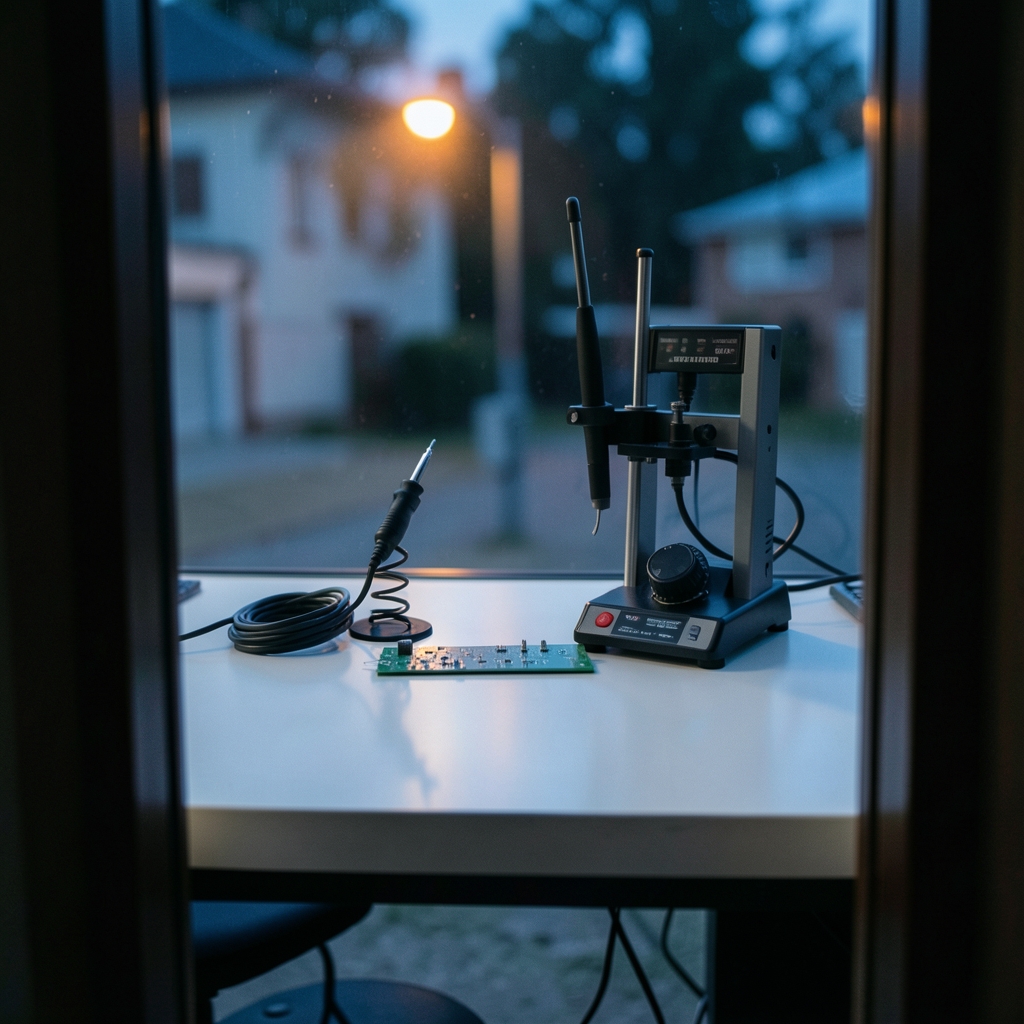
What is the real difference between a cheap soldering iron and a proper temperature-controlled soldering station, and does it matter for the work you actually do? The short answer is yes, but not in the way most buyers expect. The gap is not about raw heat. It is about control, recovery, and the ability to repeat the same result on the hundredth joint as on the first one.
This comparison walks through the categories of soldering stations, the specifications that matter, the ones that are pure marketing, and the mistakes that trip up both hobbyists and professionals.
Why tip temperature control is the whole game
Every soldering station on the market consists of a heater attached to a metal tip. The meaningful difference is how the station decides when to add heat.
Simple resistive irons and cheap “temperature adjustable” units run open-loop. You turn a dial, the heater gets a fixed share of power, and the tip temperature drifts depending on how much heat the joint pulls away. Solder a ground plane and the tip crashes; the iron has no idea.
A closed-loop station measures the tip with a thermocouple or by sensing heater resistance, compares it to your setpoint, and pulses power to hold the temperature. That is the single feature that justifies most of the price premium. When the tip touches a cold joint, the controller sees the dip and dumps current into the heater to recover. Good stations recover in under two seconds; mediocre ones take five or more.
Here is the practical consequence. Common leaded solder (Sn63Pb37) melts at 183 °C, while SAC305 lead-free alloy reflows around 217–220 °C. Tips are set well above those numbers so the joint reaches reflow quickly without the tip sitting on the pad long enough to damage it. If your iron cannot hold a stable temperature under load, you compensate by cranking the dial, which overheats small pads and lifts them. Control beats brute heat every time.
The main categories of soldering stations

Buyers lump very different tools under one label. Sorting them out first prevents expensive mistakes.
| Category | Typical use | Heat source | Key strength | Key weakness |
|---|---|---|---|---|
| Fixed-power iron with dial | Occasional hobby work | Resistive element, open loop | Cheap, simple | Temperature drifts under load |
| Analog temperature-controlled station | General electronics | Closed loop, analog dial | Stable, affordable | No presets, no sleep mode |
| Digital temperature-controlled station | Regular bench work | Closed loop, digital display | Precise setpoints, fast recovery | Costs more, needs calibration checks |
| Hot-air rework station | SMD removal and reflow | Forced hot air | Removes multi-pin parts safely | Not for hand-soldering joints |
| Combined iron + hot-air station | Repair shops | Both | One footprint, two tools | Compromises on each half |
One definitional caveat matters. Hot-air rework stations are not contact soldering irons. They heat the whole area with air, which is exactly what you want for lifting a QFN or shrinking heat-shrink tubing, and exactly what you do not want for a delicate through-hole joint. Vendors sometimes blur the line, so check what is actually in the box.
Specifications that matter, and specifications that do not
Manufacturer spec sheets are a mix of genuinely useful numbers and decoration. Here is how to read them.
Heater power
Power ratings range from tens of watts for fine electronics irons up to 100 W and beyond for stations built for high-thermal-demand work like thick ground planes or large connectors. More watts means faster recovery, but only if the controller is fast enough to use them. A 70 W station with a sluggish sensor can lose to a 50 W station with a tight loop.
Heat-up time
This is a proxy for how much thermal headroom the station has. Fast heat-up is convenient, but do not buy on this number alone. A station that reaches 350 °C in fifteen seconds but sags the moment it touches copper is worse than one that takes forty seconds and holds steady.
Tip temperature accuracy
This is where datasheets get slippery. Accuracy tolerances vary widely by model class, and no single authoritative figure covers the market. The honest approach is to verify your station with a tip thermometer or thermocouple calibrator rather than trusting the display. A station reading 350 °C while actually delivering 320 °C will make every lead-free joint look like a technique problem when it is really an instrument problem.
ESD safety
If you work on sensitive electronics, ESD-safe construction is required. Stations used in that context are commonly specified against ESD control standards such as ANSI/ESD S20.20 and IEC 61340-5-1. Ask whether the tip is grounded and whether the station is rated for ESD-safe operation, rather than only whether it has a metal housing.
Tip range
A station is only as good as the tips you can buy for it. Check availability, price, and tip geometry before committing. A brilliant station with three available tip shapes is a dead end. A mid-range station with a deep tip catalog will serve you for a decade.
The standards that sit behind the tool
Soldering stations are tools, but the work they do is governed by standards that shape what “good” looks like.
IPC J-STD-001, “Requirements for Soldered Electrical and Electronic Assemblies,” is the widely used industry standard for hand and machine soldering process control, including workmanship criteria. It is co-published by IPC and JEDEC and has been revised repeatedly over the years. If you are soldering to a commercial contract, this document defines whether your joints pass.
IEC 61191-1 covers requirements for soldered electrical and electronic assemblies using surface mount and through-hole technology, maintained by IEC technical committee 91. It is the international counterpart in scope, and editions have been revised over time.
The lead-free shift that reshaped tip temperatures traces to the EU Restriction of Hazardous Substances (RoHS) Directive 2002/95/EC, which took effect on 1 July 2006 and restricted lead in most electrical and electronic equipment. That pushed the industry toward higher-melting alloys and, in turn, toward stations with better thermal recovery. Older irons that struggled with leaded solder at 300 °C suddenly needed to hold 350 °C or more under load.
On the health side, rosin-based fluxes can cause occupational asthma, and solder fume extraction is recommended rather than optional for anyone soldering daily. This is a bench-design decision as much as a tool decision.
Common buying mistakes and what actually works
A few patterns show up again and again when people upgrade their bench.
Buying on wattage alone. A high-wattage iron with poor control is a hot knife, not a precision tool. Look at recovery behavior and tip quality first.
Skipping calibration. New stations drift, and tips wear. Check tip temperature periodically against a calibrator. It takes five minutes and saves hours of confused troubleshooting.
Underestimating consumables. Tips, sponges or brass wool, and replacement heaters are the real long-term cost. A cheap station with expensive proprietary tips can cost more over three years than a mid-range station with commodity tips.
Ignoring ergonomics. Cable stiffness, stand stability, and handle grip matter when you solder for two hours straight. A station that tips over because the stand is flimsy is a station you will resent.
Conflating rework with assembly. If your work is mostly removing SMD parts, a hot-air station belongs on the bench. If it is mostly through-hole assembly, a contact iron does. Buying one tool to do both usually means doing both badly.
Forgetting the fume path. A station upgrade without fume extraction just means you breathe more flux smoke more efficiently.
Budget planning deserves the same scrutiny as tool selection. If you are comparing subscription or per-seat costs for the software that surrounds your bench work, the same logic applies: what you actually pay over a year rarely matches the headline number. A social media management tools pricing comparison for teams is a useful reminder that flat fees and per-seat fees diverge fast, and the same holds for bench equipment where consumables are the hidden subscription.
How the price tiers actually compare
| Tier | Price band | What you get | Who it suits |
|---|---|---|---|
| Entry | Under $60 | Open-loop or basic closed-loop, limited tips | Occasional repairs, learning |
| Mid | $60–$200 | Digital closed-loop, fast recovery, wide tip range | Regular hobby and light professional |
| Pro | $200–$500 | Tight control, ESD-safe, presets, sleep mode, deep tip catalog | Daily production and repair |
| Bench system | $500+ | Multi-tool, hot air plus iron, calibration features | Repair shops and contract work |
The mid tier is where most buyers should buy. It is the point where closed-loop control, decent recovery, and a real tip range are included without paying for features you will never touch.
Where the software side of the bench creeps in
Modern benches hold more than an iron. Documentation, job tracking, and client-facing work all run alongside the soldering. That is why pricing comparisons for adjacent tools keep showing up in the same research sessions. A proposal tools pricing comparison of what you actually pay follows the same trap as soldering gear: the sticker price is not the annual cost. The same is true when you are sizing up content audit tools and their real pricing, where per-project fees quietly outrun flat plans. The lesson transfers directly to the bench: total cost of ownership, not purchase price, is the number that matters.
Conclusion
A soldering stations comparison comes down to one question: does the tool hold a stable temperature under real load, and can you buy tips for it in five years? Everything else is detail. Closed-loop control, honest calibration, ESD safety where it counts, and steady tip availability separate a station that earns its place from one that ends up in a drawer. Buy the mid tier, verify the temperature, extract the fumes, and spend the savings on tips and solder.
FAQ
What is the difference between a soldering iron and a soldering station?
A soldering iron is the heating element and tip, often with a fixed power level. A soldering station adds a separate control unit that regulates tip temperature in a closed loop, usually with a stand and replaceable tips. The station’s control is what makes results repeatable.
Do I need a temperature-controlled station for hobby work?
For occasional repairs on simple boards, a basic iron can work. The moment you solder anything with ground planes, small pads, or lead-free alloy, closed-loop control pays for itself by preventing lifted pads and cold joints.
What temperature should I set for lead-free solder?
SAC305 lead-free alloy reflows around 217–220 °C, so tips are typically set well above that so the joint reaches reflow quickly. Verify your station’s actual tip temperature with a calibrator rather than trusting the display.
Is a hot-air rework station the same as a soldering station?
No. Hot-air stations heat an area with forced air and are built for removing and reflowing surface-mount parts. Contact irons are for hand-soldering joints. Some units combine both, but they are distinct tools with different jobs.
How often should I calibrate a soldering station?
There is no universal interval, but checking tip temperature periodically with a thermocouple calibrator is good practice, especially after changing tips or heaters. A station that reads 350 °C while delivering 320 °C will make every joint look like a technique problem.
Does ESD safety matter for a soldering station?
For sensitive electronics, yes. ESD-safe stations are commonly specified against standards such as ANSI/ESD S20.20 and IEC 61340-5-1, and a grounded tip protects components from static discharge during soldering.






