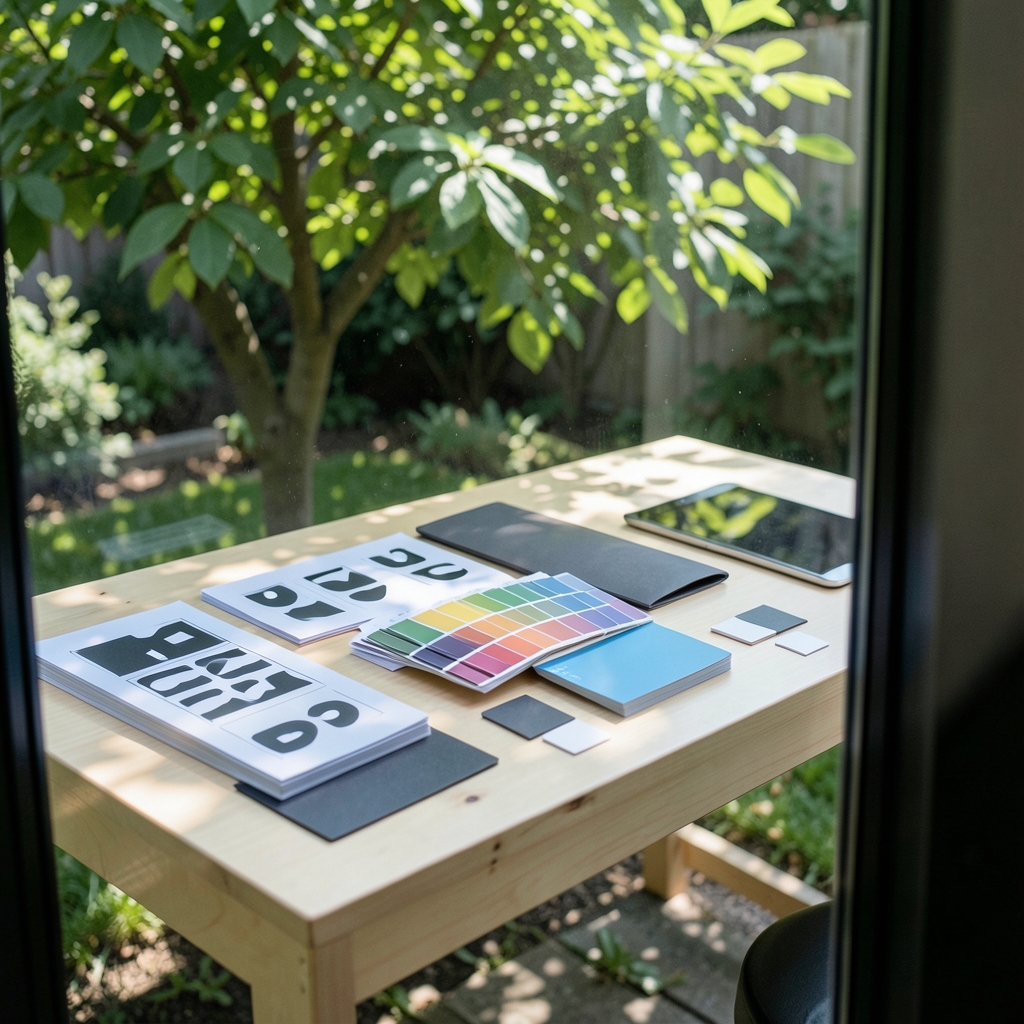
What happens when a new freelancer drops a stretched, low-resolution logo into a client deck? Or when a sales rep picks a shade of “brand blue” that looks more teal than trust? These small slips are exactly what a brand guideline document is meant to prevent. And the good news is that you no longer need an enterprise budget to build one. A whole category of low-cost brand guideline tools now covers everything from a shared document to a full digital asset library, often for the price of a couple of coffees a month.
This guide looks at the tools that actually work for small teams, what each one does well, where it falls short, and how to choose without overpaying. It also covers the practical mistakes that turn a beautiful guideline into a document nobody opens twice.
What a Brand Guideline Actually Needs to Do
Before comparing tools, it helps to be clear about the job. A brand style guide is a documented standard. It typically specifies logo usage, color values, typography, tone of voice, and spacing rules. This is a long-standing design-practice convention rather than a formal standard, and no single standards body governs it. That freedom is nice, but it also means a guideline is only as useful as the rules inside it.
In practice, a working guideline needs to do four things:
- Show the assets. Logos in every format, approved color swatches, font files, and example layouts.
- Explain the rules. Minimum logo size, clear space, which colors pair together, which ones never do.
- Be findable. If a designer has to ask where the file lives, the guideline has already failed.
- Stay current. A guideline that was accurate eighteen months ago is a liability, not an asset.
Every tool below is judged against those four jobs, plus one more: price.
The Main Categories of Low-Cost Brand Guideline Tools

Not every tool is trying to do the same thing. Broadly, the options fall into four buckets.
| Category | Typical cost | Best for | Main trade-off |
|---|---|---|---|
| Documentation tools (docs, wikis) | Free to low monthly fee | Tiny teams, solo founders | Manual upkeep, weak asset handling |
| Design tools with brand kits | Free tier or low subscription | Teams already designing in the tool | Free-tier limits change often |
| Open-source design platforms | No license cost | Budget-conscious technical teams | Self-hosting and maintenance effort |
| Dedicated brand management (DAM) | Free tiers to enterprise pricing | Teams with many assets and contributors | Pricing is volatile and often quote-based |
The right bucket depends less on features and more on how many people touch your brand assets each month. A two-person studio and a twenty-person marketing department need very different things.
Documentation Tools: Google Docs, Slides, and Notion
The cheapest brand guideline in the world is a well-structured document. Many small teams publish brand guidelines as a shared doc or a Notion page, and for good reason. Notion’s free personal plan has existed since 2016, and Google Docs and Slides cost nothing for most small operations.
What works well: speed. A founder can draft a usable guideline in an afternoon. Docs are easy to comment on, easy to share, and require zero training. Notion adds databases, so you can build a searchable asset index alongside the rules.
Where it breaks down: version control and file handling. Documents drift. Someone duplicates the file, edits the copy, and suddenly there are three “final” versions. Large image files clog shared drives, and there is no audit trail showing who changed the logo rule and when.
Practical tip: if you use a document, put a “last updated” date and an owner’s name at the very top. That one habit prevents most of the confusion that makes doc-based guidelines fail. A second tip that saves real pain: lock the main file and share a view-only link so edits go through one person.
Design Tools With Built-In Brand Kits: Canva and Figma
Canva (freemium, launched in 2013) and Figma (freemium, with a free Starter tier) are the two names that come up most often, and both can host brand kits and shareable guideline pages.
Canva’s appeal is accessibility. Non-designers can open a template, apply the brand kit, and produce on-brand social posts without learning a design tool. For teams where marketing generalists outnumber designers, that is a genuine win. The brand kit holds colors, fonts, and logos in one place, and shared folders keep assets organized.
Figma suits teams that already design in it. Components and shared libraries mean a logo or color swatch updates everywhere at once, which is the closest thing to automatic guideline enforcement most small teams will get. Figma’s free tier has historically limited collaborators and file history, and those exact limits change frequently, so check the current terms before you commit a team to it.
Common mistake: treating the brand kit as the guideline. A kit stores assets; it does not explain the reasoning. New hires still need the written rules, or they will use the right blue in the wrong place.
Open-Source Options: Penpot
Penpot is an open-source design tool, first publicly released in 2021, that can host shared design systems and brand libraries at no license cost. For teams with a little technical confidence, it removes subscription fees entirely and keeps files under your own control.
The trade-off is real. Self-hosting means someone has to maintain it, and the collection of plugins and templates is smaller than what commercial tools offer. But for a nonprofit, a public-sector team, or a bootstrapped startup watching every line item, Penpot is a serious contender rather than a curiosity.
Dedicated Brand Management Tools and Their Free Tiers
Brand asset management (DAM) tools such as Brandfolder, Frontify, and Bynder offer enterprise products, and some competitors target smaller budgets. This is the category where a guideline becomes a living portal: approved assets, download permissions, usage rules, and sometimes analytics showing which assets get used most.
The catch is pricing volatility. Free-tier availability and entry-level prices in this category shift constantly, and several products are quote-based rather than published. Treat any specific figure you read as a starting point for a conversation, not a fact. Before committing, confirm three things directly with the vendor: what the free tier actually includes, what happens to your assets if you downgrade, and whether seat limits apply to viewers as well as editors.
For teams that mainly need a clean, always-current download page, a lightweight DAM or even a well-organized shared drive can do the job. The full portal earns its keep when many people outside the core team need brand assets regularly.
Color, Accessibility, and the Hidden Costs Nobody Budgets For
Two costs trip up low-budget brand projects more than any subscription fee.
The first is accessibility. Brand color palettes should meet the contrast requirements defined in WCAG 2.1 (a W3C Recommendation published on 5 June 2018) and WCAG 2.2 (published on 5 October 2023). If your guideline’s primary color fails contrast against white text, every button and headline built from it inherits the problem. Check contrast before the palette is locked, not after a website redesign. A guideline that documents accessible pairings saves months of rework.
The second is font licensing. A typeface that looks free can carry per-seat or per-website fees that dwarf the cost of the guideline tool itself. Google Fonts, which launched in 2010, offers open-licensed typefaces at no cost, which meaningfully reduces the budget for a small brand system. Documenting the license for every font in the guideline is not glamorous, but it prevents a very unpleasant letter later.
Version Control: The Gap Most Cheap Tools Leave Open
Low-cost tools often lack audit trails, and this is where guidelines quietly rot. Teams frequently pair a document with a shared drive or a Git-based repository to keep history.
A simple, practical system that works without expensive software:
- Keep one main guideline file with a single named owner.
- Store assets in dated folders (for example, logo-2026-03) so old versions are never deleted, only archived.
- Log every change in a short changelog at the bottom of the document: date, what changed, who approved it.
- Review the whole guideline twice a year, and after any rebrand or major campaign.
None of this costs money. It costs discipline, which is why it is the step most often skipped.
How to Choose Without Overpaying
The honest answer is that “best” depends on use case, not on an objective ranking. No authoritative ranking of these tools exists, so treat any list, including this one, as a starting filter.
A decision path that works for most small teams:
- Count your contributors. Fewer than five people touching brand assets? A document plus a shared drive is usually enough.
- Check whether you already pay for a design tool. If your team lives in Canva or Figma, use the brand kit you already have before buying anything new.
- Ask how often outsiders need assets. Press, partners, and agencies pulling files weekly justify a dedicated portal. Occasional requests do not.
- Test the free tier for two weeks with real work. Upload actual assets, invite a real colleague, and try to find a file the way a new hire would.
- Confirm exit terms. Know what you can export and what you lose if you downgrade or leave.
Common Mistakes That Undermine a Cheap Guideline
Experience shows the same handful of errors again and again, and none of them are about the software.
- Writing rules nobody can follow. “Use the logo tastefully” is not a rule. “Minimum width 24 pixels, clear space equal to the height of the letter B” is.
- Skipping the “don’ts.” Showing stretched, recolored, and rotated logos with a clear cross through them prevents more bad design than any amount of positive instruction.
- Hiding the guideline. If it is not linked from the team’s main workspace, it may as well not exist.
- Ignoring tone of voice. Visual rules get all the attention, but writing style is half of a brand. A short section with three example sentences beats a page of adjectives.
- Never updating. A guideline without a review date is a museum piece.
Conclusion
The best low-cost brand guideline tool is not the one with the most features. It is the one your team will actually open, update, and trust. For most small teams, that means starting with a document or a design tool you already pay for, documenting the rules properly, checking color contrast against accessibility standards, and only upgrading to a dedicated brand portal when outsiders genuinely need regular access to assets. Spend the saved budget on a good typeface license check and a second review pass instead. A guideline that is 80 percent complete and consistently followed beats a polished portal that nobody maintains.
Frequently Asked Questions
What is the cheapest way to create brand guidelines?
A shared document in Google Docs or Notion, paired with a well-organized asset folder, costs nothing and covers the core needs of most small teams. Add a free design tool brand kit for asset management, and you have a workable system without a subscription.
Are free brand guideline tools good enough for a real business?
For many small businesses, yes. Free tiers of design tools and documentation platforms handle logos, colors, fonts, and rules well. The limits usually appear around collaborator counts, file history, and asset permissions, so check those before your team grows.
Do I need a dedicated brand asset management tool?
Only if people outside your core team need brand assets regularly. If press, partners, or agencies request files weekly, a portal with permissions and download controls earns its cost. For occasional requests, a shared drive is simpler and cheaper.
How often should brand guidelines be updated?
A full review twice a year works well for most teams, plus an immediate update after any rebrand, campaign launch, or major hire. Put a review date inside the document itself so it does not get forgotten.
Why does color contrast matter in a brand guideline?
Contrast requirements defined in the WCAG accessibility standards determine whether text stays readable against your brand colors. If a primary color fails those checks, every button, headline, and graphic built from it inherits the problem, which is far more expensive to fix later.
Can open-source tools replace paid brand guideline software?
Penpot and similar open-source platforms can host shared design systems and brand libraries at no license cost, which suits budget-conscious teams with some technical capacity. The trade-off is maintenance effort and a smaller set of templates and plugins than commercial tools offer.






