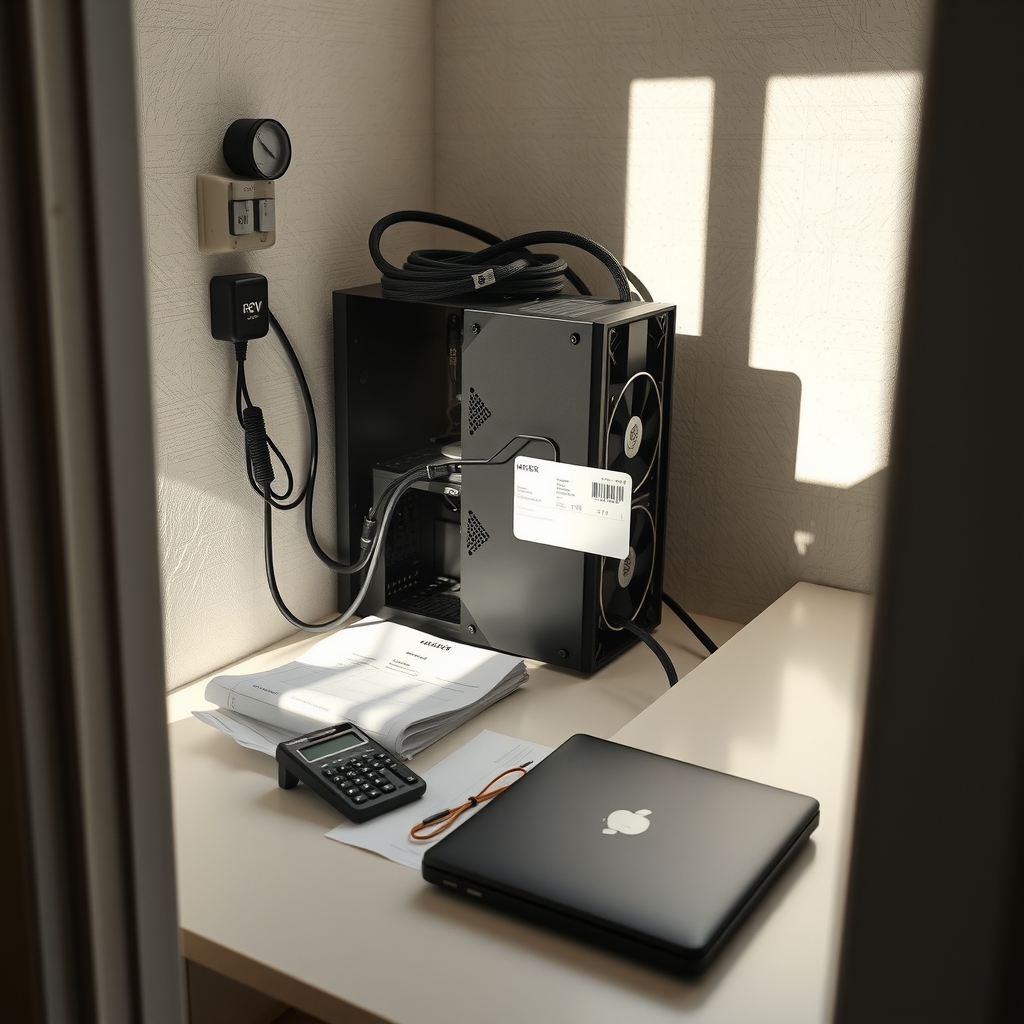
Quick Answer: What to check before using mining electricity cost calculators?
Before trusting any mining electricity cost calculator, verify that its inputs match your real-world setup. The biggest errors come from unit mismatches, nameplate versus wall power, and flat electricity rates that ignore how your utility actually bills you.
Calculators range from simple single-rate tools to detailed models with time-of-use periods and pool fees. A simple tool is fine for rough sanity checks, but a break-even decision needs the detailed version fed with local tariff data.
Check the hashrate unit and algorithm, power supply efficiency, your actual tariff structure, cooling and ancillary load, pool and developer fees, network difficulty and block subsidy assumptions, hardware efficiency in J/TH, and local regulatory rules.
Why the Calculator Is Only as Good as Your Inputs

Does a mining calculator tell you whether your rig will make money, or does it just do arithmetic on numbers you typed in? It does the second thing. Every calculator is a formula wrapped in a form, and the formula only knows what you feed it. Feed it a national average electricity price when you pay a time-of-use rate in a hot climate, and the output will look precise while being wrong by a wide margin.
That gap between precision and accuracy is where most mining budget mistakes live. A calculator that outputs “$4.12 per day profit” feels authoritative. But that number inherits every assumption baked into it, including ones the tool never shows you. The practical habit is to treat calculator output as a hypothesis, not an answer, and then check the inputs that move the result the most.
Check the Hashrate Unit and Algorithm First
This is the single most common silent error. ASIC specs are usually quoted in TH/s or PH/s for SHA-256 mining, but other algorithms are quoted in MH/s or GH/s. Mix the units and your result shifts by orders of magnitude, not percentages. A miner entering 100 when the field expects TH/s but meaning 100 MH/s will see a revenue estimate that is off by a factor of a million.
Two habits prevent this. First, copy the unit directly from the manufacturer datasheet rather than from memory or a marketplace listing. Second, check which algorithm the calculator assumes. A SHA-256 calculator fed a Scrypt machine’s numbers will produce a confident, wrong answer.
The same logic applies to power. A field labeled “wattage” might mean device draw, PSU input, or facility load. Those are three different numbers, and the difference between them is real money over a month of running.
Nameplate Watts Are Not Wall Watts
Power supply efficiency is the quiet tax on every mining operation. A rig drawing 3,000 W at the wall on an 80%-efficient PSU needs roughly 3,750 W at the socket. That extra 750 W is heat you pay for twice: once on the bill and again when your cooling has to remove it.
The 80 PLUS program defines efficiency tiers, from base 80 PLUS through Bronze, Gold, Platinum, and Titanium. Efficiency also varies by load point, so a PSU rated 90% at 50% load may be less efficient near its limits. Before trusting a calculator, find out whether its power field assumes nameplate or wall draw. If the tool does not say, assume nameplate and add the efficiency loss yourself.
A quick cross-check works well here. Divide your total wall watts by your total hashrate to get joules per terahash (J/TH). Modern SHA-256 ASICs commonly land in the roughly 15–25 J/TH range depending on generation. If your calculated J/TH sits far outside plausible values, you have a unit error or a wrong input somewhere.
Your Electricity Tariff Is Probably Not One Flat Rate
Most mining calculators ask for a single dollars-per-kWh figure. Most real tariffs do not work that way. Residential and commercial rates often include tiered or block pricing, time-of-use periods, demand charges, and fixed daily charges. A miner who runs flat out during peak pricing can pay far more than the average rate suggests, while one who shifts load to off-peak windows pays less.
The scale of the error matters. U.S. average residential prices sat around 16–17 cents per kWh in 2024–2025, but state averages ranged from roughly 10–11 cents in parts of the Mountain and West South Central regions to 30+ cents in Hawaii and parts of New England and California. Using a national average for a local decision is one of the most common calculator mistakes.
Practical approach: pull your own bill, not a national figure. Note every line item, including fixed charges and taxes, then divide total cost by total kWh for an all-in rate. Run the calculator with that number and with your off-peak number, and treat the two results as a range rather than a single answer.
| Input style | What it captures | What it misses |
|---|---|---|
| National average $/kWh | Rough order of magnitude | Local rates, tiers, time-of-use |
| Your all-in bill average | Fixed charges, taxes, real usage | Peak versus off-peak split |
| Time-of-use modeling | When you actually mine | Demand charges if billed separately |
Cooling, Networking, and Ancillary Load
Fans, air conditioning, networking gear, and monitoring hardware all draw power, and most calculators ignore them. In hot climates or dense racks, cooling alone can add a meaningful percentage to wall draw. A single $/kWh field labeled “power” rarely tells you whether it means the miner only or the whole room.
The fix is simple arithmetic. Meter your actual wall draw with a clamp meter or smart plug over a full day, then compare that figure to the sum of your device nameplates. The difference is your ancillary load. Enter the metered number into the calculator, not the datasheet number, and your estimate gets closer to reality immediately.
This is also where first-hand operators tend to separate themselves from spreadsheet miners. The ones who meter their setup usually discover their real consumption is 10–20% above what they assumed, which quietly turns a marginal profit into a loss.
Pool Fees, Developer Fees, and Reject Rates
Electricity cost is only half of break-even. Pool fees have historically run around 1–2%, though terms vary by pool and change often, so verify current terms rather than relying on a remembered figure. Some mining software also carries developer fees. Stale and rejected shares reduce effective revenue further.
A calculator that reports “profit” without these deductions can mislead, especially at thin margins where a 2% haircut erases the entire spread. Check whether the tool has fields for pool fee and reject rate. If it does not, subtract them manually before you make a hardware decision.
Network Difficulty and Block Subsidy Assumptions
Bitcoin’s block subsidy halves roughly every four years, most recently in April 2024 to 3.125 BTC per block, and difficulty adjusts about every two weeks. A calculator using a static difficulty or a pre-halving subsidy will overstate revenue, sometimes badly.
Look for a tool that lets you set difficulty manually or that clearly states when its data was last refreshed. Then stress-test the output: rerun the numbers with difficulty 20% higher and with the next halving subsidy. If the operation only works under today’s exact conditions, it does not work.
Currency, Taxes, and Depreciation
A tool labeled “electricity cost” may or may not include VAT or sales tax on power, import duties on hardware, or depreciation. These sit outside the power bill but inside your actual economics. Read the assumptions panel in addition to the output. If the panel does not exist, that absence is itself information about how much to trust the tool.
For lean operations, this is where cheap tooling choices compound. Teams comparing software spend often find the same pattern across categories: the useful question is not which tool is cheapest but which one exposes its assumptions. The same discipline applies whether you are evaluating mining calculators or picking from a list of free and low cost technical seo tools alternatives that actually fit a small budget.
Regulatory and Tariff Context
Some jurisdictions have moratoriums, special crypto-mining rates, or demand-charge structures aimed at large loads. Commercial versus residential classification can change your effective rate substantially. New York’s 2022 moratorium on certain fossil-fuel proof-of-work permits is one example of jurisdiction-specific rules that a generic calculator will never know about.
Before committing to a site, check your local utility tariff and any state-level rules directly. If you are running mining as a side business alongside other operations, the same caution applies to your other software picks, from low cost email marketing tools that still deliver to budget sales engagement platforms for lean teams. Assumptions hide everywhere.
A Practical Pre-Calculator Checklist
Work through these steps before you trust any output:
- Confirm the calculator’s algorithm matches your hardware.
- Enter hashrate in the exact unit the field expects, copied from the datasheet.
- Convert nameplate watts to wall watts using your PSU’s efficiency tier.
- Pull your all-in electricity rate from an actual bill, not a national average.
- Meter real wall draw for a full day to capture cooling and ancillary load.
- Enter pool fees, developer fees, and reject rates, or subtract them manually.
- Stress-test with higher difficulty and the next halving subsidy.
- Check local tariffs and regulatory rules for your specific site.
If you want a second opinion on the tooling side, resources like a rundown of the best low cost ai document analysis tools for real budgets show how to judge software by whether it reveals its assumptions, which is exactly the test a mining calculator should pass.
Common Mistakes That Skew Results
The most frequent errors are boring and predictable. Entering MH/s where TH/s is expected. Using a national average rate instead of a local bill. Forgetting PSU losses. Ignoring cooling in a hot garage. Trusting a calculator that has not refreshed difficulty since last year. Each one is easy to fix once you know to look.
The second-tier mistakes are subtler. Treating a profit figure as guaranteed rather than conditional. Comparing two calculators that use different assumptions and concluding one is “more accurate.” Skipping the assumptions panel because the output looked reasonable. Operators who avoid these tend to run tighter ships, whether they are mining bitcoin or evaluating low cost ai coding tools for budget conscious developers.
How to Compare Two Calculators Fairly
Run both tools with identical inputs, then compare their assumption panels side by side. Differences in output usually trace to three things: whether power means nameplate or wall, whether fees are included, and how fresh the difficulty and subsidy data are. A tool that shows its assumptions is more useful than one that hides them, even if the hidden one produces a prettier number.
Conclusion
Mining electricity cost calculators are useful for exactly one job: turning your assumptions into arithmetic fast enough to compare scenarios. They cannot tell you your local tariff, your PSU’s real efficiency, or how hot your room gets in July. Those facts come from your bill, your meter, and your datasheet.
Check the units, check the algorithm, convert nameplate to wall power, use your own all-in rate, meter your real draw, include fees, and stress-test for difficulty and halving. Do that, and the calculator becomes a decision tool instead of a confidence trick. Skip it, and you are just reading a number that agrees with the inputs you guessed.
FAQ
Why does my calculator result differ so much from another tool’s?
Almost always because of three hidden assumptions: whether power means nameplate or wall draw, whether pool and developer fees are deducted, and how recently difficulty and block subsidy data were refreshed. Run both tools with identical inputs and compare their assumptions panels rather than their outputs.
Should I use my utility’s advertised rate or my actual bill?
Use your actual bill. Advertised rates often exclude fixed charges, taxes, and demand charges, and they rarely reflect time-of-use periods. Divide your total bill by total kWh for an all-in rate, then run the calculator again with your off-peak rate to see the range.
How do I convert my miner’s watts to wall watts?
Divide the nameplate wattage by your power supply’s efficiency at your typical load. A 3,000 W rig on an 80%-efficient PSU draws about 3,750 W at the socket. Check your PSU’s 80 PLUS tier and remember efficiency varies by load point, so the rated figure is a guide, not a guarantee.
What is J/TH and why does it matter?
Joules per terahash measures how much energy your hardware uses per unit of hashrate. Modern SHA-256 ASICs commonly sit in the roughly 15–25 J/TH range depending on generation. If your calculated J/TH falls far outside plausible values, you likely have a unit mismatch or a wrong power input.
Do I need to account for cooling separately?
Usually yes. Fans, air conditioning, networking, and monitoring add to wall draw, and most calculators ignore them. Meter your actual consumption over a full day and compare it to the sum of device nameplates. The difference is your ancillary load, and it belongs in the calculator.
How often should I rerun the numbers?
At minimum every two weeks, since difficulty adjusts on roughly that schedule, and again whenever your tariff changes or a halving approaches. Any operation that only works under today’s exact difficulty and subsidy is not a plan, it is a snapshot.






