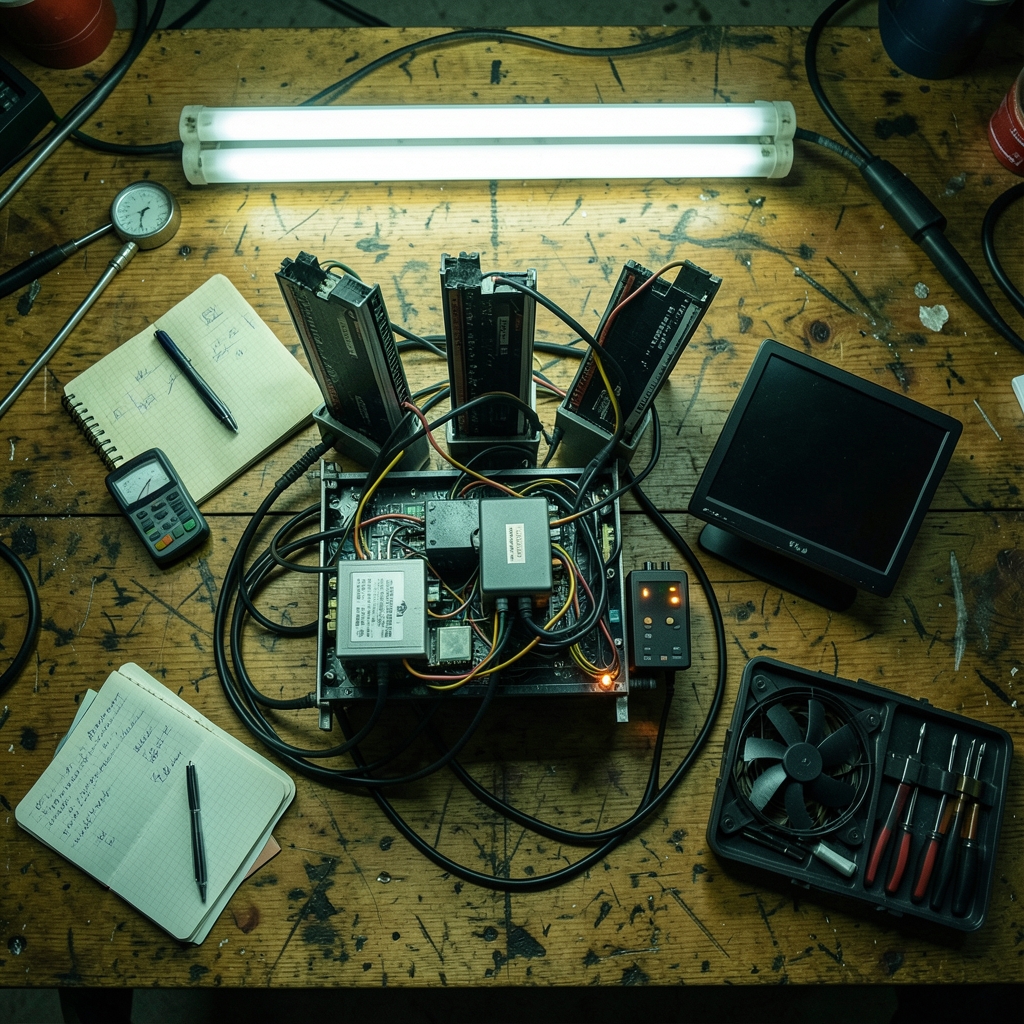
What happens when a rig goes silent at 3 a.m. and nobody notices until the morning coffee? Every mining operation faces that question, whether it is one GPU in a garage or a warehouse of ASICs pulling serious power. Uptime monitoring is the answer, but the tools are messy. Some options are general-purpose infrastructure monitors adapted for mining. Others are mining-first dashboards with firmware baked in. Picking wrong costs money in two directions: idle hardware that still draws power, and subscription fees for features nobody uses.
This comparison walks through the main categories, what each one does well, where each one stumbles, and the practical mistakes operators make when they set monitoring up for the first time.
Why Mining Uptime Monitoring Is Different From Generic Server Monitoring
A web server is either up or down. A mining rig is stranger than that. It can be powered on, connected to the network, and still producing zero hashes because a GPU crashed, a riser failed, a power supply throttled, or the pool connection dropped. That gap between “reachable” and “actually mining” is where most monitoring setups fail.
Good mining monitoring therefore watches several layers at once:
- Host reachability — is the machine responding at all?
- Miner process health — is the mining software running and reporting a hashrate?
- Hashrate thresholds — has output dropped below a level you consider acceptable?
- Temperature and fan state — is the rig cooking itself?
- Pool connectivity — are shares still being accepted, or are you hashing into a void?
A tool that only pings the host will happily report “up” while a rig sits there burning electricity for nothing. That is the single most common blind spot in first-time setups.
The Two Big Camps: General Infrastructure vs. Mining-Specific Platforms

Broadly, everything on the market falls into one of two buckets, and the trade-off between them is the core decision in this whole comparison.
| Category | Examples | Strength | Weakness |
|---|---|---|---|
| General infrastructure monitors | Uptime Kuma, Prometheus with Alertmanager, Zabbix, Nagios | Flexible, cheap or free, work across all your gear | Need configuration to understand miners |
| Mining-specific platforms | Hive OS, minerstat, Foreman, Awesome Miner | Understand rigs out of the box, remote management built in | Pricing and free-tier limits shift often, vendor lock-in risk |
The fuzzy middle matters too. Mining platforms keep adding alerting features, and infrastructure monitors keep gaining plugins. Any feature-by-feature table is a snapshot, not a permanent truth. Treat vendor documentation as the source of record at the moment you buy.
Open-Source Self-Hosted: Uptime Kuma and Friends
Uptime Kuma is the tool that keeps showing up in operator threads, and for good reason. It is open source under the MIT license, self-hosted, and first appeared around 2021. It supports HTTP, TCP, ping, and DNS checks plus push monitors, and it fires notifications to channels like Telegram, Discord, email, and webhooks.
The push monitor is the clever bit for mining. Instead of the monitor asking the rig “are you alive?”, the rig pings the monitor on a schedule and silence triggers the alert. That “dead man’s switch” pattern suits unstable networks and remote sites where inbound connections are awkward.
Where it falls short: Uptime Kuma does not know what a hashrate is. You get reachability and service checks, not GPU metrics. Pairing it with a small script that pushes a heartbeat only when hashrate stays above a threshold closes most of the gap.
Prometheus takes the opposite approach. It is an open-source metrics and alerting system, originally built at SoundCloud and donated to the Cloud Native Computing Foundation in 2016. Paired with Grafana for dashboards, it is the standard choice for farms that want real time-series data: hashrate over weeks, temperature curves, per-rig comparisons. The cost is complexity. Someone has to run exporters, write alert rules, and maintain the stack. For a five-rig basement setup, that is overkill. For a hundred rigs, it is often the only thing that scales cleanly.
Zabbix and Nagios sit in the same family: powerful, mature, agent-based, and configurable to a fault. Both can monitor miners if you invest the setup time. Neither is pleasant to learn on a deadline.
Mining-Specific Platforms: Convenience With a Price Tag
Platforms like Hive OS, minerstat, Foreman, and Awesome Miner were built for exactly this job. They install or connect to rigs, show hashrate per card, alert on temperature and offline states, and offer remote management like overclocking profiles and miner restarts.
For most small and mid-size operators, the appeal is simple: you log in, you see rigs, you get alerts, done. No exporters, no YAML, no weekend lost to configuration.
The catch is that pricing tiers, free-rig limits, and feature sets change frequently. A free tier that covered ten rigs last year may cover three now. Before committing, check the vendor’s own current documentation rather than a year-old blog post. The same caution applies to any “best tools” list, including the kind of feature-by-feature breakdown you find in guides on which features actually matter when you compare brand monitoring tools — the evaluation logic transfers even when the product category does not.
Lock-in is the second catch. Once your fleet lives in one platform’s dashboard, migrating means rebuilding alert rules and automation. That is fine if the platform stays healthy and priced fairly. It is painful if either changes.
Alerting Channels: The Part Everyone Underestimates
A monitor is only as good as its ability to reach a human. The practical question is not “does it support alerts?” but “will this alert wake someone who can act?”
| Channel | Good for | Watch out for |
|---|---|---|
| Telegram / Discord | Fast team notification, shared visibility | Alert fatigue when channels get noisy |
| Record keeping, non-urgent summaries | Easy to ignore at 3 a.m. | |
| Webhooks | Routing into your own automation or on-call system | Requires maintenance |
| SMS / phone | True emergencies | Cost per message adds up |
The mistake here is alerting on everything. If every temperature blip pings the group chat, people mute the channel within a week, and then the real outage goes unseen. Set thresholds that mean something, route critical alerts to a channel people actually watch, and send the rest to a daily digest.
Practical Setup Tips That Save Real Money
First-hand operator experience tends to converge on a few habits that separate working setups from decorative ones.
Monitor the miner and the host. Configure at least one check that fails when hashrate drops below a floor, rather than waiting for the machine to stop responding.
Use push heartbeats for remote or flaky sites. If the network drops inbound traffic, polling monitors report a false outage. A heartbeat from the rig avoids that.
Test your alerts on purpose. Unplug a rig, kill the miner process, and confirm the right person gets the right message. An untested alert path is a guess.
Keep the monitor itself monitored. A self-hosted monitor that dies silently is worse than none, because you trust it.
Patch and firewall self-hosted tools. Anything exposed to the internet is an attack surface. Standard security guidance is to keep such services behind a VPN or firewall and patched promptly.
Budget-conscious teams often get stuck on cost comparisons, and the same discipline that applies to brand monitoring tools alternatives that actually fit tight budgets works here: list must-have checks first, price only the tools that pass, and ignore feature lists you will never touch. If your operation also tracks sales or client pipelines alongside the farm, the same evaluation mindset shows up in pipeline management tools alternatives compared across sales teams — pick for the workflow you have, not the one a brochure imagines.
Cost Reality: What You Actually Pay
Cost comparisons in this space are slippery because “free” rarely means free.
| Approach | Direct cost | Hidden cost |
|---|---|---|
| Self-hosted open source | Server or VPS, near zero license | Setup time, maintenance, your attention |
| Mining platform free tier | Zero | Rig limits, feature caps, upsell pressure |
| Mining platform paid tier | Monthly per-rig or flat fee | Lock-in, price changes |
| Enterprise infrastructure monitoring | License fees | Specialist configuration time |
A small farm will usually spend less in cash and more in hours on open source. A larger farm often finds paid platforms cheaper once staff time is priced in. There is no universal answer, only a break-even point that depends on how many rigs you run and how much your time is worth.
The Evidence Gap Worth Knowing About
Here is an honest caveat. There is no peer-reviewed or standards-body head-to-head study comparing mining uptime tools. Nearly every comparison in circulation is vendor content or community opinion, both of which carry bias. That does not make them useless, but it means the operator should verify claims against official repository pages and vendor documentation rather than trusting a single ranking. Feature sets, licenses, and prices drift, sometimes within months.
The practical response is to run a short trial. Most tools can be tested on a handful of rigs before you commit the fleet. A weekend of real testing beats any comparison table, including this one.
How to Choose Without Overthinking It
A simple decision path works for most operators:
- Count your rigs and decide whether you need remote management or only alerting.
- List the checks you truly need: reachability, hashrate floor, temperature, pool status.
- If you have technical time and want control, start with a self-hosted open-source monitor and add hashrate checks.
- If you want speed and remote control, trial a mining-specific platform on a few rigs first.
- Test every alert path before trusting it.
- Revisit the choice once a year, because pricing and features move.
That is it. The fanciest dashboard does not mine a single coin. The tool that reliably tells a human when something breaks does.
Conclusion
Mining uptime monitoring tools compared side by side really come down to a trade: control versus convenience. Open-source options like Uptime Kuma and Prometheus give flexibility and low license costs in exchange for setup effort. Mining-specific platforms like Hive OS and minerstat deliver rig-aware dashboards and remote management in exchange for subscription fees and some lock-in. Neither camp wins outright.
What separates a working setup from a useless one is rarely the tool itself. It is whether the monitoring watches hashrate as well as reachability, whether alerts reach someone who acts, and whether the whole path has been tested on purpose. Get those three things right with almost any tool on this list, and the farm stays hashing while everyone sleeps.
Frequently Asked Questions
What is mining uptime monitoring?
Mining uptime monitoring is the practice of automatically checking whether mining rigs, power supplies, network links, and pool connections are healthy and actually producing hashes, then alerting an operator when something fails or falls below a threshold. It goes beyond simple ping checks because a rig can be reachable yet mining nothing.
Can I use a general uptime monitor like Uptime Kuma for mining rigs?
Yes, and many operators do. Uptime Kuma supports HTTP, TCP, ping, DNS, and push monitors with notifications to Telegram, Discord, email, and webhooks. The limitation is that it does not natively understand hashrate or GPU metrics, so you typically add a script that sends a heartbeat only while the miner is producing above a set threshold.
Is Prometheus overkill for a small mining farm?
Usually, yes. Prometheus with Grafana is excellent for large farms that need long-term time-series data and per-rig dashboards, but it requires running exporters, writing alert rules, and maintaining the stack. For a handful of rigs, a simpler self-hosted monitor or a mining platform’s built-in alerting is faster to set up and easier to keep running.
How often should mining monitoring check each rig?
Most setups check every one to five minutes, which balances early detection against noise and load. Hashrate checks can run less frequently, such as every five to fifteen minutes, because hashrate naturally fluctuates. The key is testing the interval against real failures: if a rig can overheat in ten minutes, a fifteen-minute check is too slow.
What is push or heartbeat monitoring, and why does it suit remote mining sites?
Push monitoring flips the direction of the check. Instead of the monitor polling the rig, the rig pings the monitor on a schedule, and silence triggers an alert. This suits remote sites and unstable networks where inbound connections are unreliable, because a failed poll no longer looks like an outage when the rig is actually fine.
Are mining-specific monitoring platforms worth the subscription?
It depends on your time and fleet size. Mining platforms offer rig-aware alerts and remote management out of the box, which saves setup hours and suits operators who want convenience. The trade-offs are recurring fees, free-tier rig limits that change over time, and some lock-in. Trial one on a few rigs before committing the whole fleet.




