
What happens when your email provider suddenly locks you out on the morning a client contract is due? For freelancers, that’s not a minor inconvenience. It’s a lost invoice, a missed deadline, and a reputation hit all at once. Email is the backbone of freelance work, yet most people pick a provider in five minutes and never think about it again until something breaks.
This guide cuts through the marketing noise. It looks at what freelancers genuinely need from webmail, which features separate a workable inbox from a great one, and the practical mistakes that cost people money. No hype, no affiliate rankings, just the technical and practical details that matter when your inbox is also your business address.
Why freelancers need different email than everyone else
A personal Gmail account works fine for family photos and shopping receipts. A freelance business is a different animal. Your inbox holds contracts, proposals, invoices, client files, and sometimes sensitive personal data belonging to other people.
That last point matters more than most freelancers realize. If you handle client information from the EU, the General Data Protection Regulation (Regulation (EU) 2016/679, in force since 25 May 2018) applies to how you store and process that data, including email. A provider with unclear data handling or weak security isn’t just inconvenient. It’s a liability.
There’s also the professionalism factor. A custom domain address signals that you’re a real business. And there’s the practical side: freelancers switch between phone, laptop, and tablet constantly. If your mail only lives in a browser tab, you’ll feel that pain fast.
The technical backbone: what protocols actually do
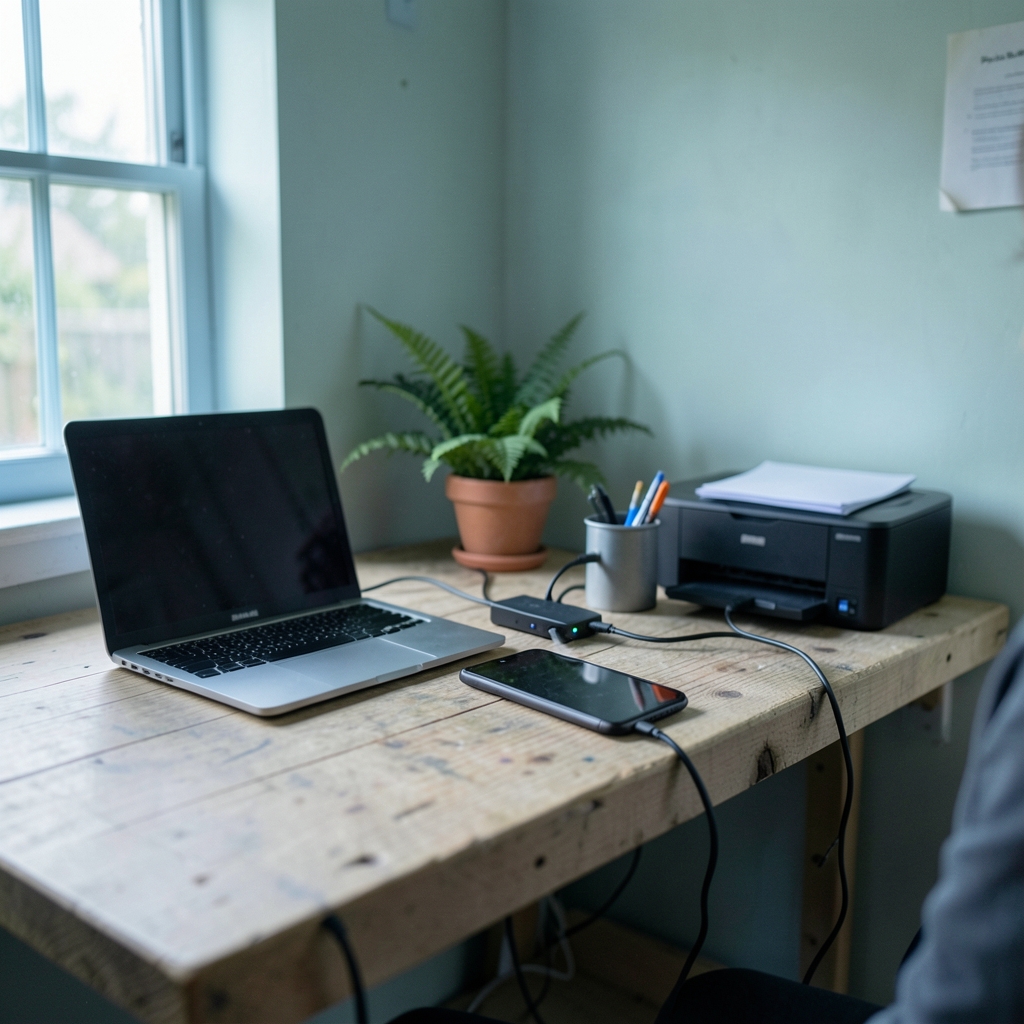
Before comparing features, it helps to understand what’s happening under the hood. Almost every webmail service rests on three protocols, and whether a provider supports them openly determines how much freedom you have.
IMAP (Internet Message Access Protocol, version 4rev1, specified in RFC 3501, published March 2003) keeps your mail synchronized across devices. Read a message on your phone, and it shows as read on your laptop. POP3 (RFC 1939, May 1996) downloads mail to a single device and is largely obsolete for modern workflows. SMTP (RFC 5321, October 2008) is the protocol for sending mail.
Why does this matter? Because if a provider doesn’t offer IMAP and SMTP access, you can’t connect a desktop client, a CRM, a helpdesk tool, or an automation service. You’re locked into that provider’s app. For freelancers who want to route client mail into a project management tool or send from a script, protocol access is non-negotiable.
The single most consequential fact here: whether a webmail provider offers IMAP and SMTP access varies by provider and by plan tier. Two people paying for the “same” service can have completely different capabilities depending on their subscription level. Always check the plan details before committing.
Deliverability: the part nobody checks until it’s too late
You can have the prettiest inbox in the world. If your invoices land in spam folders, none of it matters. Three authentication standards control whether receiving servers trust your domain.
| Standard | What it does | Specification |
|---|---|---|
| SPF | Lists which servers are allowed to send mail for your domain | RFC 7208 (April 2014) |
| DKIM | Adds a cryptographic signature that proves the message wasn’t altered | RFC 6376 (September 2011) |
| DMARC | Tells receivers what to do when SPF or DKIM fails, and reports back | RFC 7489 (March 2015) |
These three work as a team. SPF alone is weak because forwarding breaks it. DKIM survives forwarding better. DMARC ties them together and gives you a policy: monitor, quarantine, or reject.
Here’s the practical trap. Major mailbox providers have tightened expectations for bulk senders, and Google and Yahoo announced bulk-sender authentication requirements effective February 2024. Even if you’re not sending thousands of messages, the direction of travel is clear: authenticated domains get delivered, unauthenticated ones get filtered.
A very common freelancer mistake is setting up forwarding-only custom domain email. It looks like it works, but forwarding breaks SPF alignment and can break DMARC. If you’re sending business mail, you want a real mailbox, not a redirect.
What separates a good freelancer inbox from a bad one
Rather than a list of brand names that goes stale within months, here’s the checklist that actually predicts whether a service will serve you well. Score any provider against these.
Custom domain support without a huge price jump
Most providers offer custom domains, but pricing structures vary wildly. Some bundle a domain, some charge separately, some require a business tier. Watch for per-mailbox pricing if you ever plan to add a virtual assistant or a collaborator.
Real IMAP and SMTP access
Check the plan page specifically. If the words “IMAP” and “SMTP” don’t appear, assume they’re not included. This is the number-one gotcha for freelancers who later want to integrate tools.
Two-factor authentication and app passwords
Two-factor authentication should be mandatory, not optional. When a provider blocks “less secure app” password logins (a pattern several major providers adopted across 2022 to 2024), you’ll need app-specific passwords to connect older clients or scripts. Make sure your provider offers them, or you’ll be stuck.
Storage that matches your workflow
Designers and video editors blow through storage with large attachments. Writers and consultants rarely do. Be honest about your file sizes before paying for a bigger tier.
Clear data handling
If you serve EU clients, know where your mail is stored and who can access it. A provider that can’t answer basic questions about data location is a risk you don’t need.
Search that actually finds things
You’ll search your inbox for a client’s address from three years ago. Weak search is a slow, daily tax on your time.
The features freelancers underestimate
Some capabilities look like luxuries until you’ve lived without them.
Aliases let you create separate addresses for different clients or purposes from one inbox. Sign up for a newsletter with a dedicated alias, and when spam arrives, you delete the alias instead of your whole identity.
Scheduling and send-later is quietly powerful. Writing proposals at 11 p.m. and scheduling them for 9 a.m. makes you look organized without pretending you keep normal hours.
Templates and snippets save enormous time when you answer the same five questions weekly. Even basic canned responses beat retyping.
Rules and filters are the difference between a calm inbox and chaos. Route invoices to a folder, flag anything from your top three clients, and auto-archive notifications.
Shared calendars and contacts matter the moment you collaborate. Solo today, but freelancers rarely stay solo forever.
Common mistakes that cost freelancers real money
Practical experience across freelance workflows surfaces the same errors again and again.
Using a personal address for business. It’s free, but it costs credibility and makes switching providers later painful. Start with a custom domain from day one, even if you’re just starting out.
Skipping the DNS setup. Many people point their domain at a mail provider and never touch SPF, DKIM, or DMARC records. Then they wonder why invoices vanish. Set all three, then test with a delivery check to a few different mailbox providers.
Ignoring the export question. Can you get your mail out if you leave? A provider that makes export difficult is holding your business history hostage. Check before you commit.
Forgetting mobile and offline access. Test the mobile app before you migrate. Some webmail services are excellent in a browser and miserable on a phone.
Paying for a plan you’ve outgrown in reverse. Freelancers often overpay for enterprise tiers they don’t need. Start modest, upgrade when a real limit hits.
If you enjoy wordplay as much as workflow optimization, there’s a whole world of fish puns out there for your out-of-office replies. And if you’re building a personal brand around clever copy, browsing a collection of puns can sharpen your subject lines more than you’d expect.
How to choose without getting stuck
Here’s a process that works better than reading ten comparison articles.
- List your must-haves. Custom domain, IMAP/SMTP, 2FA, and storage. Anything else is a bonus.
- Check the specific plan page for protocol access and pricing per mailbox.
- Verify authentication support. Your provider should make SPF, DKIM, and DMARC setup straightforward.
- Test the mobile app during any free trial.
- Confirm export options before you migrate years of mail.
- Set a calendar reminder to review your plan annually. Needs change.
For freelancers who teach, tutor, or build courses on the side, email is often the delivery channel for onboarding sequences and student communication. The same infrastructure thinking that powers good edtech platforms applies to your inbox: reliability and clear data handling beat flashy features every time.
Migration: the step people rush
Moving providers is where good intentions collapse. Do it in order and you’ll avoid losing anything.
First, export your existing mail in a standard format. Second, set up the new mailbox and verify sending works before you tell anyone. Third, update DNS records and wait for propagation, which can take up to 48 hours. Fourth, keep the old account active for at least a month so nothing bounces. Fifth, notify your most important contacts of any address change.
The mistake here is cancelling the old service too early. A grace period costs little and saves you from discovering a forgotten password reset or two-factor code tied to the old address.
Conclusion
The best webmail service for a freelancer isn’t the one with the most features or the loudest marketing. It’s the one that gives you a professional address on your own domain, real IMAP and SMTP access so you’re never trapped, solid authentication so your invoices arrive, and clear data handling so client trust stays intact.
Start with your must-haves, verify the plan details rather than the homepage promises, and set up SPF, DKIM, and DMARC before you send a single client email. Do those things, and your inbox stops being a source of anxiety and becomes what it should be: a quiet, reliable engine running underneath your business.
FAQ
Do freelancers really need a custom domain email?
Yes, for most. A custom domain address signals professionalism, makes switching providers easier later, and gives you control over your identity. It also lets you set up authentication records properly, which improves deliverability. The cost is small compared to the credibility gain.
Is free webmail good enough to start freelancing?
It can work for the first few weeks, but it’s a weak foundation. Free tiers often limit IMAP and SMTP access, restrict storage, and tie your business identity to an address you don’t own. Move to a custom domain as soon as you have a client or two.
What’s the difference between IMAP and POP3, and which should I use?
IMAP keeps mail synchronized across all your devices and stores it on the server. POP3 downloads messages to one device and is largely obsolete. For freelancers working across a phone, laptop, and tablet, IMAP is the clear choice.
Why do my client emails end up in spam?
Usually because SPF, DKIM, or DMARC records are missing or misconfigured. Forwarding-only setups are a frequent culprit because they break SPF alignment. Set up all three authentication standards and test delivery to several different mailbox providers.
Can I use a webmail service with my CRM or project management tool?
Only if the provider supports IMAP and SMTP access on your plan. Many services restrict this to higher tiers or block it entirely. Check the specific plan page before committing, and confirm app-specific passwords are available if you use two-factor authentication.
How often should I review my email provider?
Once a year is a sensible rhythm, plus any time your workflow changes significantly. Watch for price increases, new storage limits, changes to protocol access, and whether your client base has grown into new regions with different data protection expectations.




