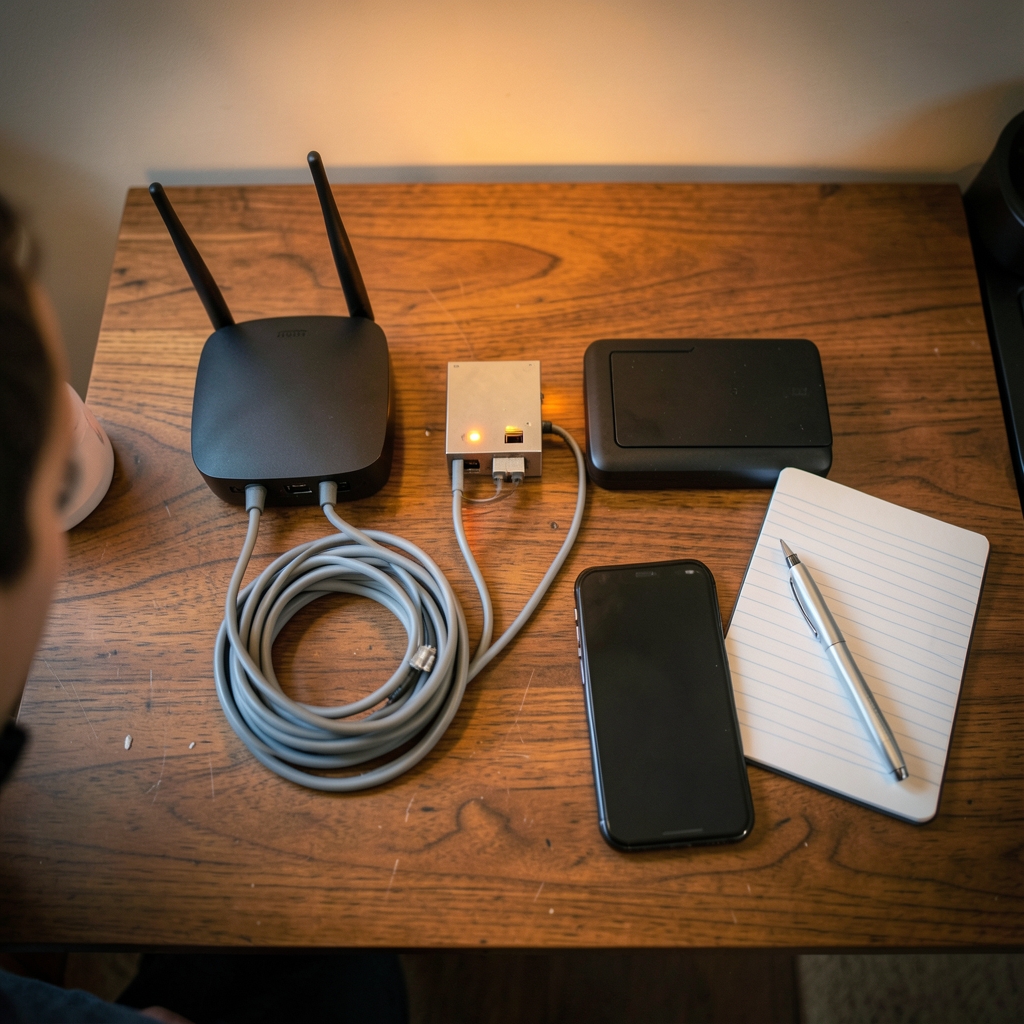
What happens when the office Wi-Fi drops at 9 a.m. on a Monday and nobody notices until a customer complains? For a small business, that silence is expensive. Every minute of unnoticed downtime is a lost sale, a missed call, or a frustrated client. The fix isn’t hiring a full-time IT team. It’s picking the right network monitoring tool.
The problem is that most “best of” lists are written for enterprises with six-figure IT budgets. A five-person accounting firm doesn’t need a platform that monitors 10,000 switches. It needs something that sends an alert when the router dies and doesn’t cost more than the router itself.
This guide walks through what actually matters for small businesses, which tools fit which situations, and the mistakes that trip people up when they set monitoring up for the first time.
Why small businesses need monitoring at all
A common assumption is that monitoring is a big-company luxury. In practice, small businesses have thinner margins for error. A large company has redundant internet lines and an IT department watching dashboards. A small business often has one connection, one server, and one person who “knows the computers.”
When that single point of failure goes down, the whole operation stops. Monitoring tools close that gap by watching three things:
- Uptime: Is the internet connection, router, or key server responding?
- Performance: Is the network slow, or are devices running hot on CPU and memory?
- Security signals: Are there unusual logins, failed access attempts, or unexpected configuration changes?
A tool that watches these basics catches problems before employees do. That’s the whole value proposition. Everything else is detail.
What small businesses should actually look for
Before comparing names, it helps to know which features earn their keep at small scale and which are noise.
Ease of setup beats feature count
The best tool for a small business is the one that gets configured in an afternoon, not a quarter. Look for auto-discovery, which scans the network and finds devices on its own, and prebuilt alert templates so you’re not writing rules from scratch. If setup requires a certification to finish, it’s the wrong tool.
Alerting that reaches a human
Monitoring only works if alerts land somewhere a person checks. Email is fine. SMS or a push notification to a phone is better. A tool that fires alerts into a dashboard nobody opens is just an expensive log file.
Pricing that scales sanely
Most tools price per device, per sensor, or per user. A small business with 20 devices should expect to pay for 20, not for a 500-device tier. Watch for sensor-based pricing, where each thing you monitor counts separately. It’s the most common source of bill shock.
The protocol question: SNMPv3 vs. older versions
This is the detail buyers skip and later regret. SNMP (Simple Network Management Protocol) is how most monitoring tools talk to routers, switches, and printers. The original versions, SNMPv1 and v2c, send credentials in plain text. SNMPv3, standardized in December 2002, added authentication and encryption.
If a tool only supports v1 and v2c, it’s pushing sensitive network data around unprotected. For any business handling client data, v3 support is not optional.
The main categories of tools
Small-business monitoring splits into a few practical buckets. Knowing which bucket you need narrows the list fast.
| Category | Best for | Trade-off |
|---|---|---|
| Cloud-hosted monitoring | Businesses with no on-site server | Monthly fee, data leaves the building |
| Self-hosted open source | Hands-on owners or a part-time IT person | Free license, but you maintain the server |
| All-in-one IT platforms | Businesses that also need ticketing and remote support | More features than you may use |
| Router and vendor built-ins | Very small setups on a tight budget | Limited alerting and history |
The right pick depends less on the tool and more on who will run it. A business with nobody technical on staff should lean cloud-hosted. A business with a capable part-timer can save real money with open source.
Cloud-hosted options
Cloud-hosted tools run on the vendor’s servers and reach into your network through a small agent or a tunnel. There’s nothing to install on-site and nothing to patch.
The appeal for small businesses is obvious: no server to maintain, no late-night update sessions, and a dashboard you can open from a phone. The trade-off is a recurring subscription and the fact that your monitoring data lives with a third party.
These tools tend to shine on external uptime checks (is the website up? is the email server responding?) and simple internal pings. They’re less suited to deep packet-level analysis, which most small businesses don’t need anyway.
One practical tip: when comparing cloud plans, count your actual devices first. Most small offices have more than they think once printers, access points, and VoIP phones are included. A plan that looked cheap at 10 devices can double at 25.
Self-hosted open source options
Open source monitoring is the classic small-business answer, and for good reason. The license costs nothing, the tools are mature, and a motivated owner or part-time IT person can run them on a spare machine or a small cloud server.
The catch is real, though. Open source means you own the updates, backups, and configuration. When the monitoring server itself goes down, nobody tells you. That’s the irony first-timers discover the hard way: your monitoring needs monitoring.
For businesses that go this route, a few habits make it work:
- Run the monitoring server on separate hardware from anything business-critical.
- Set up a second, cheap external check that pings the monitoring server itself.
- Back up the configuration file after every change.
- Document the setup so it survives staff turnover.
Open source is a great fit for a business with genuine technical curiosity. It’s a poor fit for a business that wants to set it and forget it.
All-in-one IT platforms
Some small businesses end up choosing a broader IT platform that bundles network monitoring with remote support, patching, and ticketing. This makes sense when the same person handles IT and other operations, because one login covers more ground.
The risk is paying for features you’ll never touch. Before committing, list the three things you actually need and check whether the platform does them well. Bundles are convenient, but convenience has a price, and it’s usually the annual contract.
If your team is already evaluating adjacent tools, it helps to see how other categories price out. Guides on best CRM tools small businesses choose without overpaying and best lead generation tools small businesses practical buyers follow the same logic: match the tool to the actual workflow, not the marketing page.
Built-in router and vendor tools
Many routers and internet providers include basic monitoring: a status page, an occasional email alert, and a log. For a very small business, this can be enough to start.
The limits show up quickly. Built-in tools usually can’t watch individual servers, rarely keep long history, and almost never support flexible alerting. They’re a reasonable first step, not a destination.
Common mistakes to avoid
Experience across small-business setups surfaces the same errors again and again. Avoiding them saves weeks.
Monitoring too much at once. New users often try to watch every device and every metric. The result is alert fatigue, and then people start ignoring alerts entirely. Start with the five things whose failure would stop the business: internet line, router, main server, key application, and backup system. Add more later.
Setting thresholds that cry wolf. A CPU alert that fires every afternoon at backup time trains everyone to dismiss it. Tune thresholds against a week of normal data before trusting them.
Forgetting the alert path. Test the alert. Unplug the router on a quiet afternoon and confirm the message actually arrives. A surprising number of setups have never been tested end to end.
Skipping documentation. Six months later, nobody remembers why a rule exists or which device it covers. A short notes file pays for itself.
Ignoring the human side. Monitoring generates information. Someone has to act on it. Name that person before buying anything.
How monitoring fits the wider tool stack
Network monitoring rarely lives alone. A small business typically runs a handful of tools that touch customers and operations, and the same buying discipline applies across all of them.
If your team handles a lot of calls and meetings, it’s worth understanding how meeting and transcription tools compare, since the pricing models are similarly confusing. Practical breakdowns of best AI meeting tools small businesses without enterprise and best AI transcription tools small businesses actually works show the same pattern: the cheapest headline price is rarely the cheapest real cost.
The through-line is simple. Buy for the workflow you have, not the one a vendor imagines for you.
A simple way to choose
When the options blur together, a short decision path cuts through it.
- Count your devices. Include printers, phones, and access points. This number drives pricing.
- Decide who runs it. No technical staff means cloud-hosted. A capable part-timer opens up open source.
- Check SNMPv3 support. If it’s missing, keep looking.
- Confirm the alert channel. Email, SMS, or push. Test it before you rely on it.
- Start small. Five critical checks, tuned for a week, then expand.
- Review after 30 days. Cut alerts nobody acted on. Add what you missed.
That process takes an afternoon and prevents most of the regrets that show up later.
Conclusion
The best network monitoring tool for a small business isn’t the one with the longest feature list. It’s the one that gets set up in a day, sends alerts to a phone someone actually checks, and costs less than the downtime it prevents.
Cloud-hosted tools win on simplicity. Open source wins on cost for the technically inclined. Built-in router tools are a fine starting point and a poor finish line. Whichever path you take, the discipline matters more than the brand: monitor the few things that would stop your business, test your alerts, and tune out the noise.
Start with five checks this week. That alone puts you ahead of most small businesses, which is exactly the point.
FAQ
What is network monitoring, in plain terms?
Network monitoring means using software to watch your internet connection, routers, servers, and devices so you find out when something fails or slows down, usually before employees or customers notice. It’s an early warning system for your IT infrastructure.
How much should a small business expect to pay?
Costs range from free for open source tools you host yourself to a modest monthly subscription for cloud-hosted services. The main variable is device count, so tally printers, phones, and access points before comparing plans. Sensor-based pricing is the usual culprit behind surprise bills.
Do I need technical staff to run monitoring software?
Not for cloud-hosted tools, which are designed for setup in an afternoon with automatic device discovery. Self-hosted open source tools do require someone comfortable with servers, updates, and configuration. Match the tool to whoever will actually maintain it.
Why does SNMPv3 matter?
SNMP is the protocol most monitoring tools use to talk to network hardware. Older versions send credentials in plain text, while SNMPv3, standardized in December 2002, added authentication and encryption. For any business handling client data, v3 support should be a baseline requirement.
How many things should I monitor at first?
Start with about five: your internet line, router, main server, most important application, and backup system. These are the failures that stop business operations. Add more devices once the first set is tuned and the alerts are proven to work.
What’s the biggest mistake first-time buyers make?
Alert fatigue. Watching everything at once produces a flood of notifications, and people quickly learn to ignore them. Tune thresholds against a week of normal activity, cut alerts nobody acted on, and keep the list short enough that every alert gets attention.




